Tangy TD Update: Balance Changes, Localization, and the 520 Skill Point Cap
This patch focuses on balancing, localization, and a few clear quality-of-life changes that make runs easier to read.
Source: Official Steam announcement
This page is a player-friendly summary of the official Steam post Tangy TD Update: Balance Changes, Localization, and the 520 Skill Point Cap.
Overview
Tangy TD’s March 17 update is mainly a balancing and readability patch.
The official post highlights changes to Bay Harbour Butcher and Mountain Trail, support for 9 languages, a new boss aggro meter, a higher skill point cap of 520, and several interface and item additions.
What Changed
- Bay Harbour Butcher and Mountain Trail received balancing changes after players reported getting stuck there.
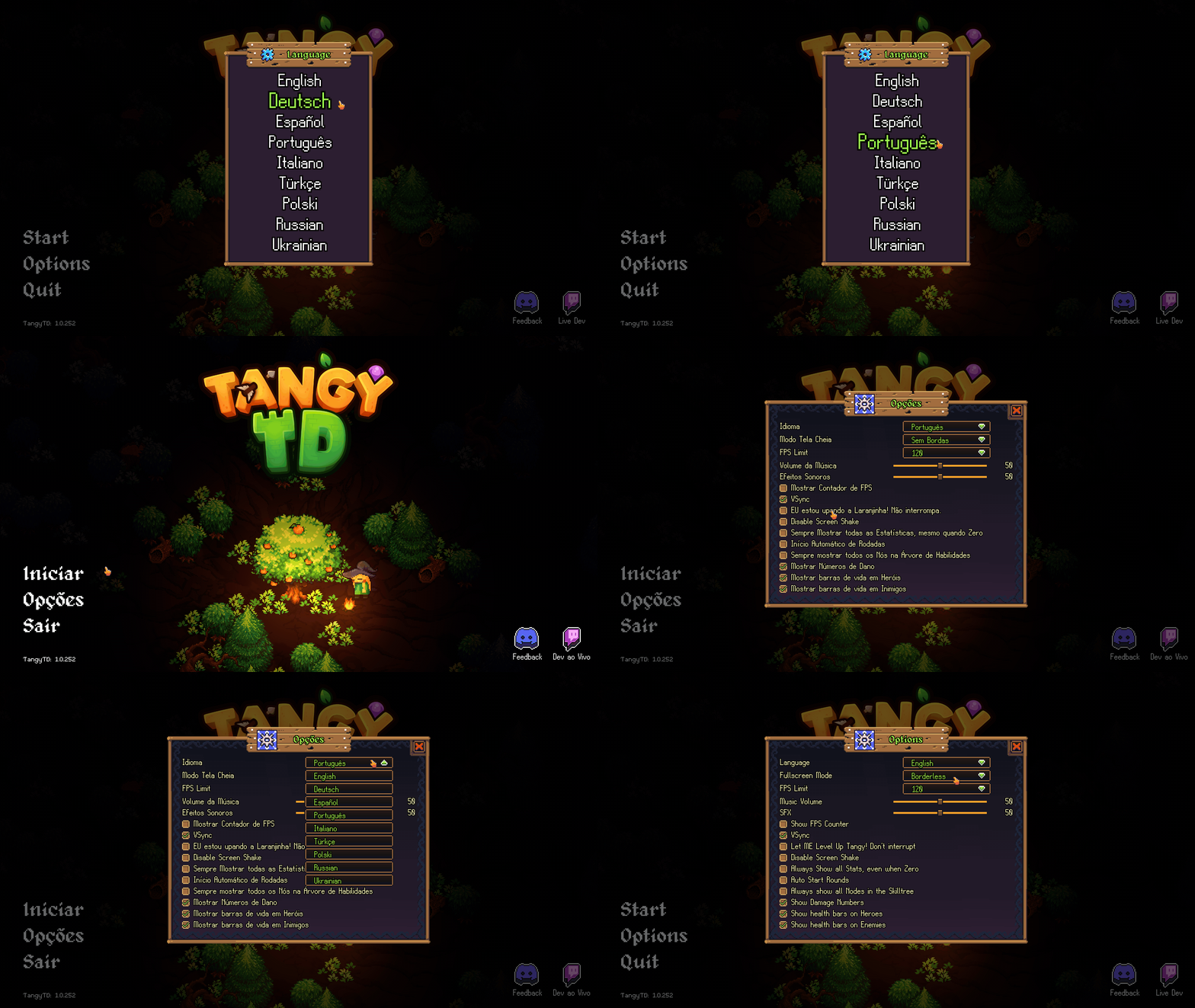
- Supported languages now include English, Deutsch, Español, Português, Italiano, Türkçe, Polski, Russian, and Ukrainian.
- Tangy TD officially supports 9 languages after this update.
- The skill point cap was raised to 520 MAX.
- Enemy boss aggro now uses an aggro meter instead of punishing accidental hits as harshly.
- A Disable Screen Shake option was added.
- The skill tree and level UI both gained eye toggle buttons to hide interface elements.
- Eight new items were added: Stone Hammer, Ban Hammer, Ivy Bow, Venom Bow, Pumpkin Lord, Pumpkin King, Ultra Vision Goggles, and Emerald Bow.
Why This Update Matters
The Bay Harbour Butcher and Mountain Trail changes matter because they target maps that were clearly frustrating players.
The new language support is one of the biggest parts of this patch. With 9 supported languages, the game becomes easier to read for a much wider group of players.
The boss aggro meter and the new interface options matter because they make combat and progression screens easier to understand during a run.
Screenshots
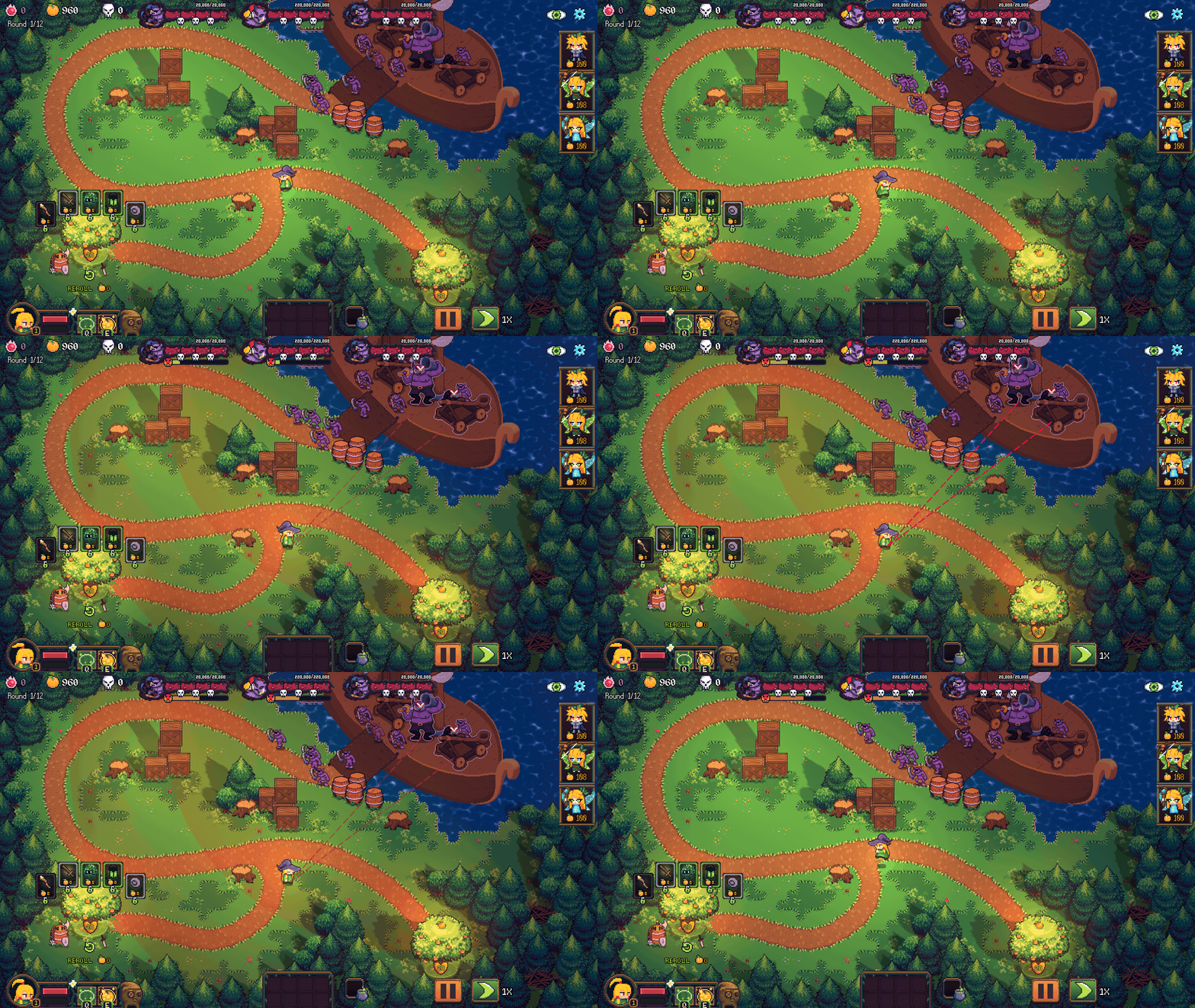
The higher 520 skill point cap gives progression-focused players more headroom, while the UI eye toggles help reduce clutter when planning upgrades.
What To Check First After Updating
- Replay Bay Harbour Butcher and Mountain Trail if they were blocking your progress before.
- Change the language setting if you were waiting for a supported localization option.
- Watch how the boss aggro meter behaves so you can stop over-pulling bosses by accident.
- Check the new items and the raised 520 cap before locking yourself into your older upgrade route.